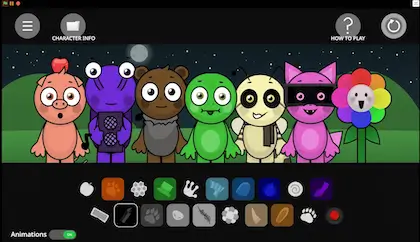
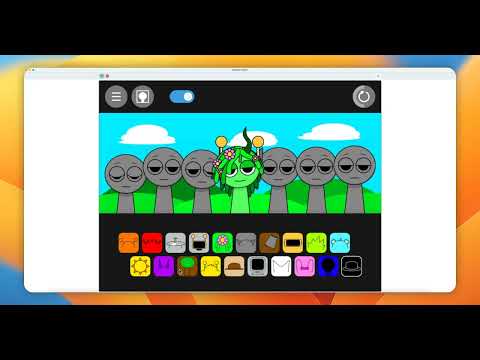
Play Sprunki Games Online
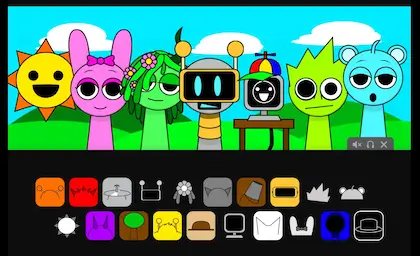
Explore free Sprunki games and music mods in your browser. Start with Sprunki, then try popular editions such as Phase 3, Sinner Edition, Sprunked, and Abgerny. Choose a game, combine character sounds, and create your own music—no download required.
Discover Sprunki

What Is the Sprunki Music Game?

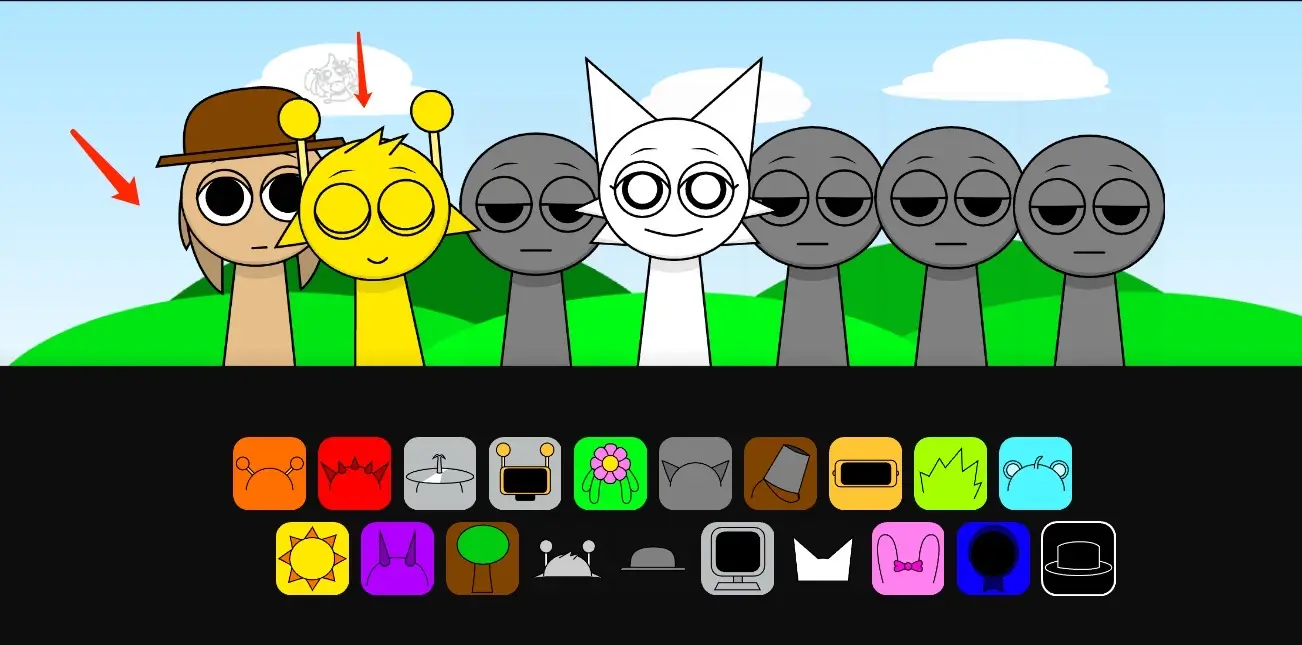
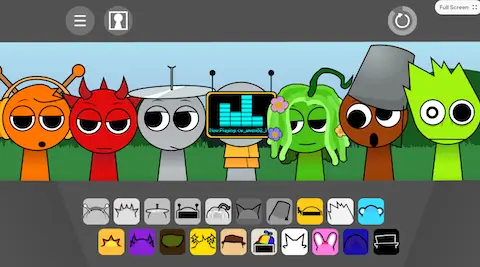
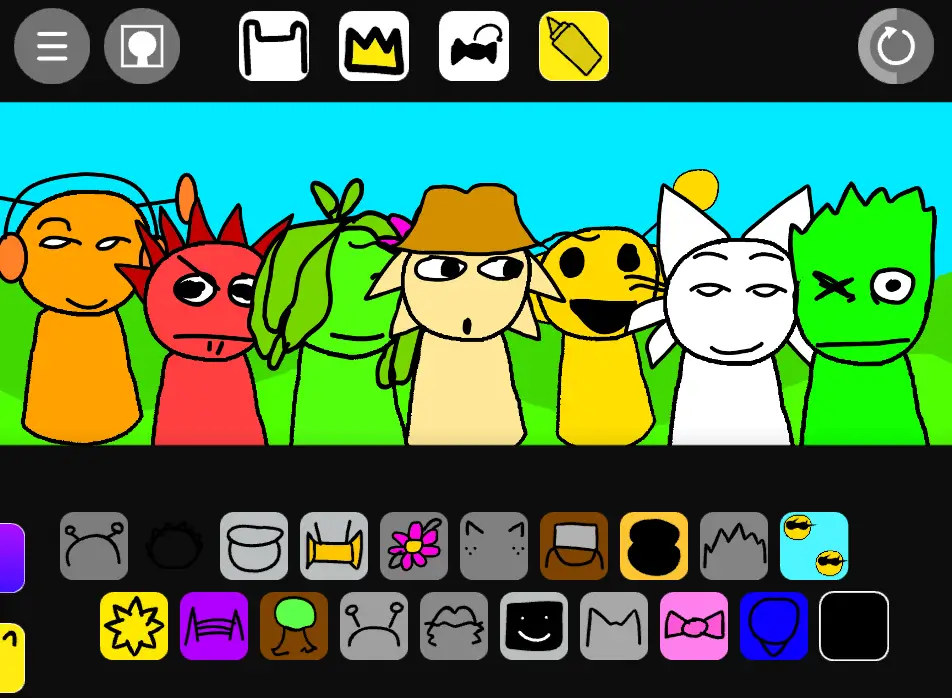
Sprunki is a fan-made music-mixing game built around animated characters and layered sound loops. Drag characters into the mix to combine beats, effects, melodies, and vocals, then experiment with different lineups to create a track in your browser.

Enhanced Music Library

Explore a wide range of Sprunki characters, each with unique sound effects and animations. Create your perfect musical ensemble and experiment with endless combinations.

Browser-Based Play

Open a supported Sprunki game in a modern browser on desktop, tablet, or mobile without installing a separate app.

Explore Different Mixes

Change one character at a time to hear how each beat, effect, melody, or vocal changes the full composition.

How to Play Sprunki

1

Select Sounds

Start by choosing from Sprunki ’s extensive range of beats, effects, and melodies. Each sound is represented by a unique character.
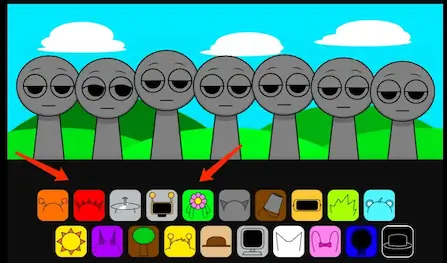
Select Sounds Interface for Sprunki
2

Arrange Characters

Drag and drop characters onto the workspace. Each character adds a different sound, helping you layer and build your track.
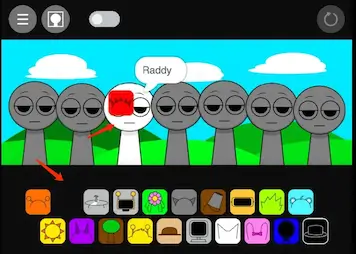
Arrange Characters Interface for Sprunki
3

Experiment with Combinations

Mix and match different characters to create unique rhythms and melodies. Explore various combinations to find your perfect sound.
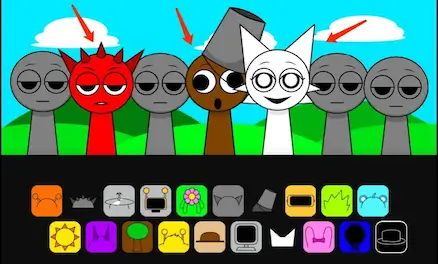
Experiment Interface for Sprunki
4

Fine-Tune Your Mix

Adjust volumes, apply effects, and use editing tools to polish your track. Make your mix sound just right.

5

Save and Share

Once you’re happy with your track, save it and share it with the Sprunki community. Get feedback and inspire others!
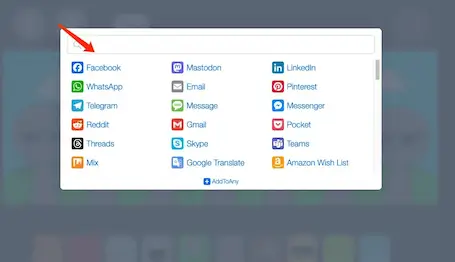
Share Interface for Sprunki

Sprunki Videos

New Update: Preview Character Voices & Name Reveal Feature!
Play

New Update: Preview Character Voices & Name Reveal Feature!

Explore the latest Sprunki update! Preview each character’s unique voice and overlay multiple voices for a fun and creative experience. Plus, discover the name of each character instantly by clicking on them. Watch the video to see these features in action and let us know your favorite voice!
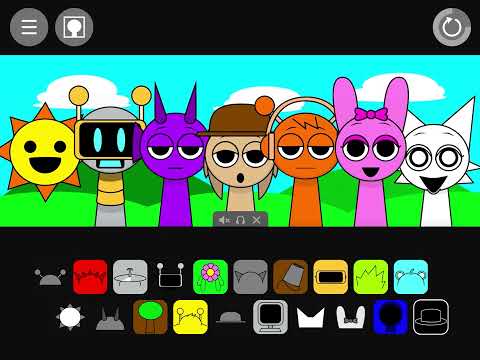
Sprunki: An Innovative Version of the Popular  Game
Play

Sprunki: An Innovative Version of the Popular Game

Discover how Sprunki , initially developed on Scratch, evolved into a richer and more dynamic music creation experience. This video showcases our optimization journey and highlights what makes Sprunki truly special!

The Next Big Thing: Sprunki’s Abgerny Mod
Play

The Next Big Thing: Sprunki’s Abgerny Mod

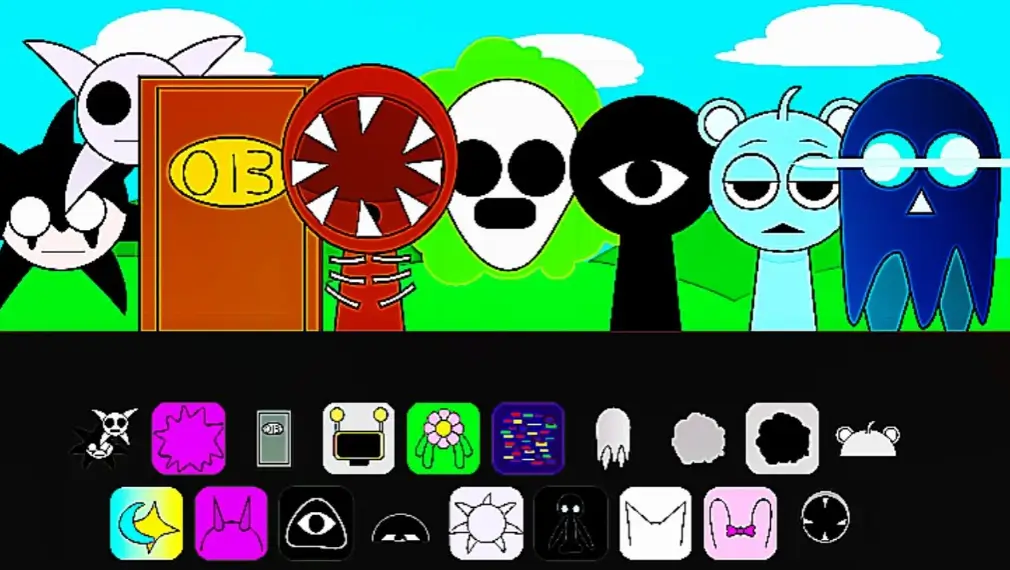
Dive into the latest Sprunki mod featuring unique characters, intriguing lore, and haunting backstories. Meet the mysterious character William, whose grungy voice transforms the game’s music. Watch now to explore this thrilling new addition to the Sprunki universe!

Explore Sprunki 's Features

Sprunki Features

Experience unparalleled creativity with Sprunki , where intuitive design meets the art of music creation.

Sprunki Musical Diversity

Explore fresh musical styles and sound effects that add depth and color to your compositions.

Sprunki Visual Upgrade

Enjoy stunning new character designs and animations that bring your music to life in a visually captivating way.

Instant Browser Access

Start mixing sounds online without installing a separate game client or creating an account.

Responsive Controls

Use mouse or touch controls to arrange characters on supported desktop, tablet, and mobile browsers.

Easy to Learn

Sprunki’s user-friendly interface makes it simple for beginners while providing depth for seasoned creators.

Infinite Creativity

Unlock limitless combinations of musical elements for a unique and unforgettable creative experience.

Start Mixing Sounds

Choose Sprunki or one of the featured mods, arrange characters, and experiment with beats, effects, melodies, and vocals directly in your browser.
Discover Sprunki Tips

Tips and Tricks for Sprunki

Get the most out of your Sprunki experience with these helpful tips.

Experiment Freely

Try out unusual combinations of characters. Some unexpected mixes might unlock hidden bonuses or create amazing tracks!

Use All Sound Elements

Incorporate beats, effects, and melodies evenly for a well-rounded track. Explore all the sound options to maximize creativity.

Pay Attention to Rhythm

Keeping a solid rhythm makes your track more cohesive. Sync beats perfectly as you layer melodies and effects.

Watch for Visual Cues

Characters’ animations often provide hints about sound combinations that work well together. Watch how they react as you mix sounds.

Remember Great Combinations

Keep track of the character combinations that produce your favorite beats so you can quickly rebuild and refine them.

Collaborate with Friends

Combine different styles and ideas with your friends. Team up to create exciting and unique tracks together!

Frequently Asked Questions about Sprunki

Can’t find the answer you’re looking for? Contact our support team for more help.
Sprunki is a fan-made music-mixing game where animated characters contribute different beats, effects, melodies, and vocals through a drag-and-drop interface.
Visit sprunki.app and use your mouse or touchscreen to drag and drop sound elements onto the Sprunki characters. Experiment with different combinations to create your own tracks.
Yes, Sprunki is completely free to use in your web browser. We believe music creation should be accessible to everyone.
Yes. The games listed on sprunki.app run in a supported web browser, so you can start playing without installing a separate game client.
Yes, Sprunki is packed with surprises and Easter eggs. Try different combinations of characters and sounds to unlock hidden features.
Browse the Sprunki games and mods listed on this page. Each game has its own page with a playable version, description, tips, and related mods.
Sprunki runs in most modern web browsers. We recommend using the latest version of Chrome, Firefox, Safari, or Edge for the best Sprunki experience. A stable internet connection is also required.
Sprunki can run in modern mobile browsers that support the game controls. For the best experience, use an up-to-date browser and a stable internet connection.

Sponsored